How to Guest Chat with Our Singles
Start chatting instantly without creating an account. Follow these simple steps to enter the chat, meet new people, and connect with singles in seconds.
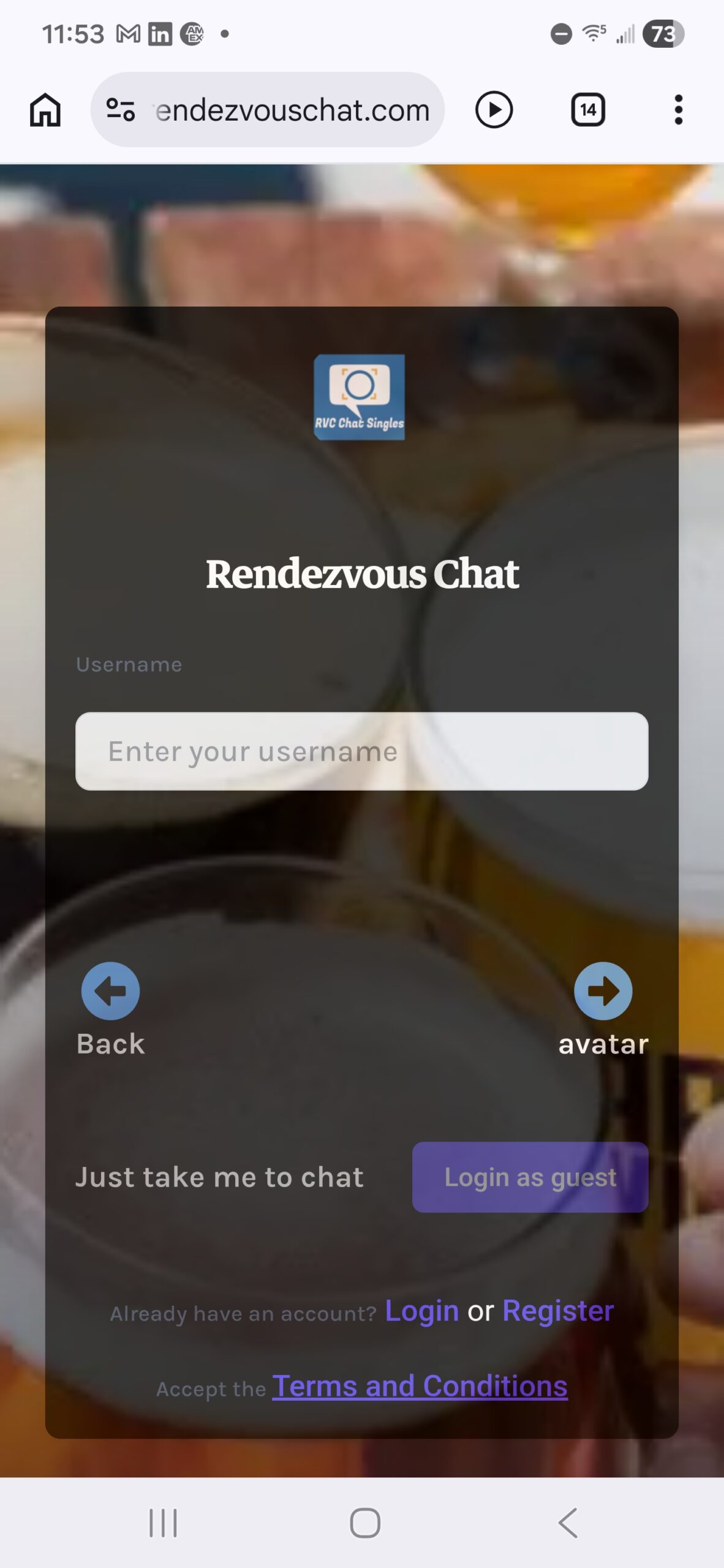
Choose a Nickname
Your nickname is how others will recognize you in the chat. Pick something simple, memorable, or expressive. It can reflect your personality, mood, or just be something fun.
You don’t need to use real information. Guest chat is designed to be quick and private, so a creative nickname works perfectly.
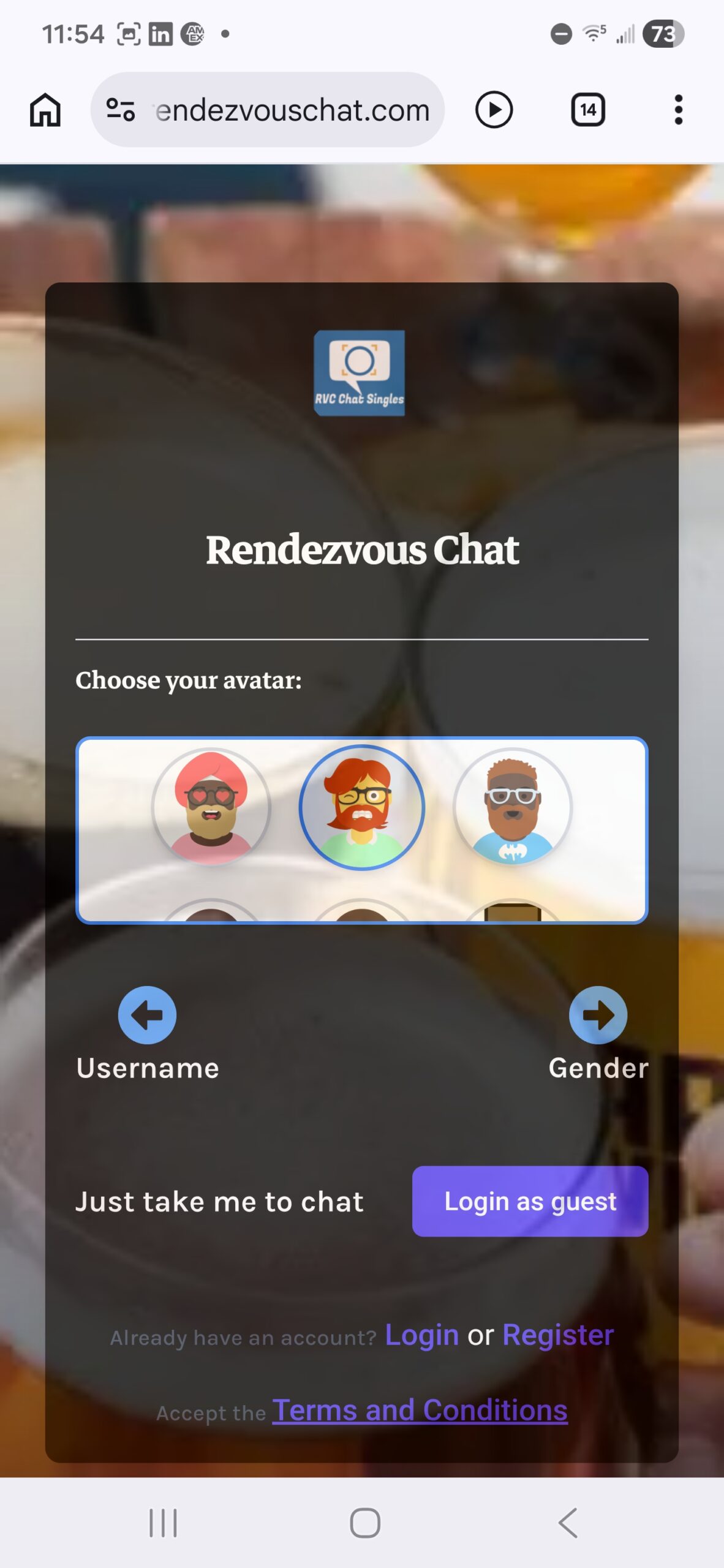
Pick an Avatar
Your avatar gives a face to your nickname. It helps others quickly identify you and makes the chat feel more interactive.
Choose an avatar that matches your style. Even a simple icon makes a big difference in how others engage with you.
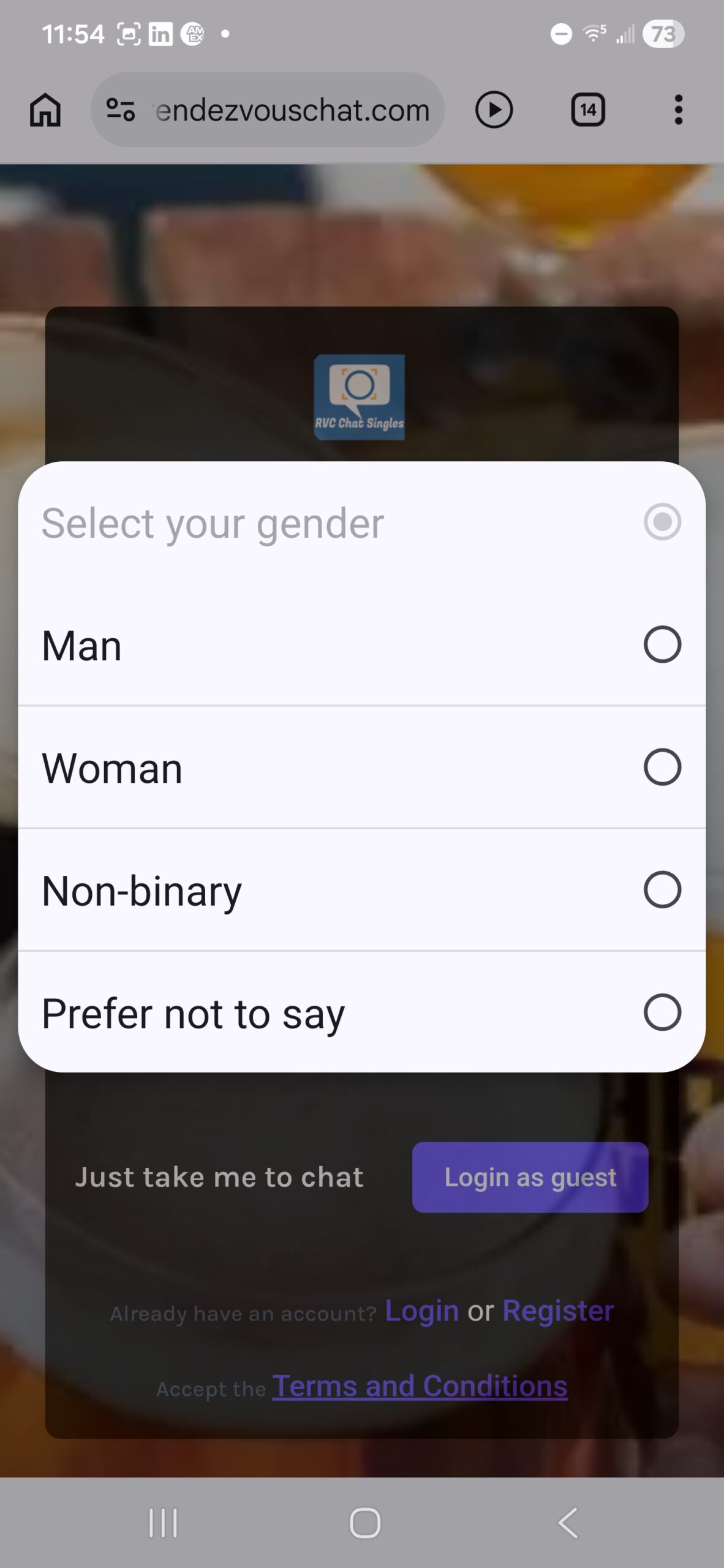
Select Gender
Choosing your gender helps improve the chat experience by connecting you with more relevant conversations and users.
This step is quick and optional in some cases, but it helps create a smoother and more personalized environment.
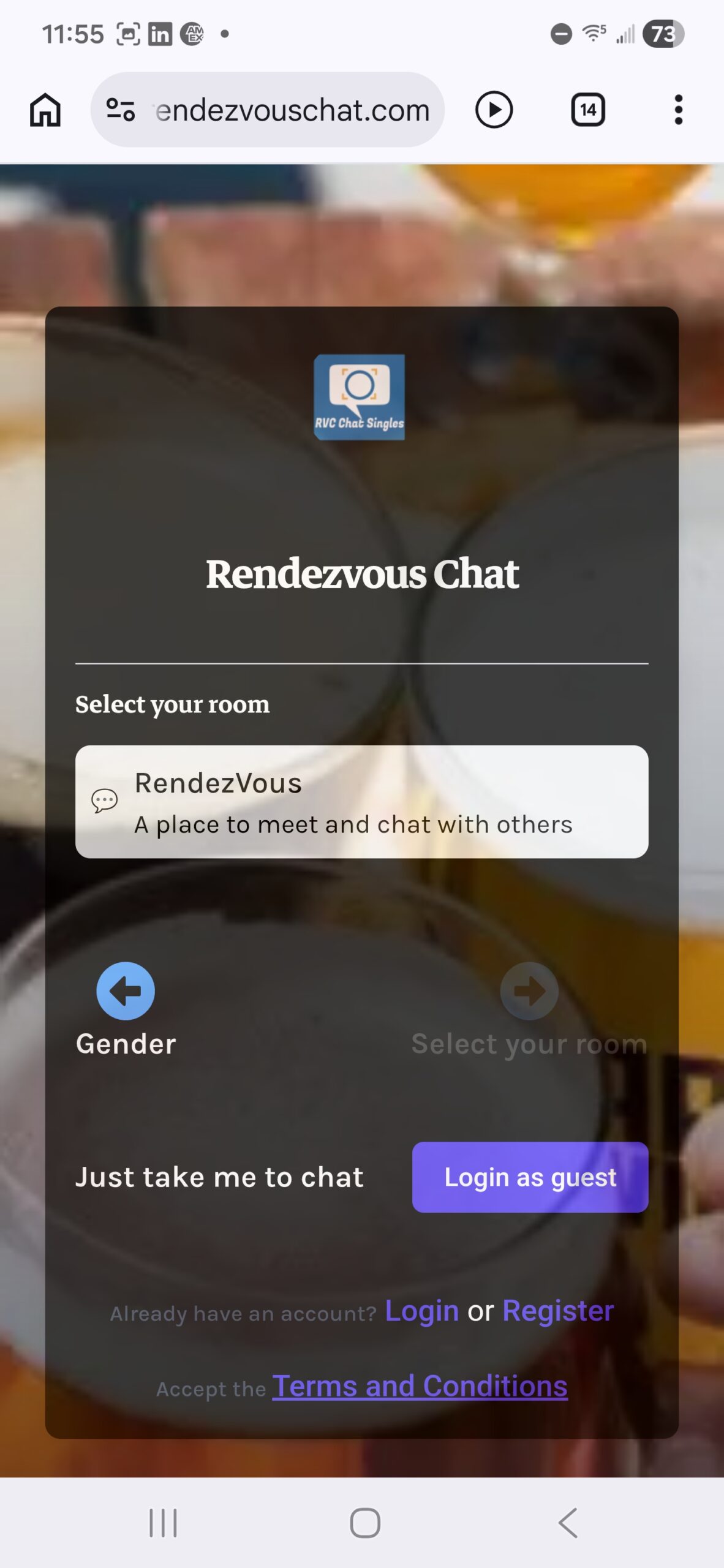
Select Room & Login as Guest
Choose a chat room that fits your interest, then click “Login as guest” to instantly join.
Within seconds, you’ll be inside the chat, meeting real people and starting conversations without any delays.
You’re ready to start chatting
Join the chat instantly — no signup needed
Login as GuestTakes less than 10 seconds